


Windows 11 is designed for modern working with easier collaboration, chip-to-cloud security, and intuitive navigation.
Computacenter can help you plan your journey, prepare your IT estate, and deploy Windows 11 smoothly and rapidly. Our three Rs of migration – Rationalisation, Readiness and Remediation – help smooth the transition and empower you to make the most of the OS.
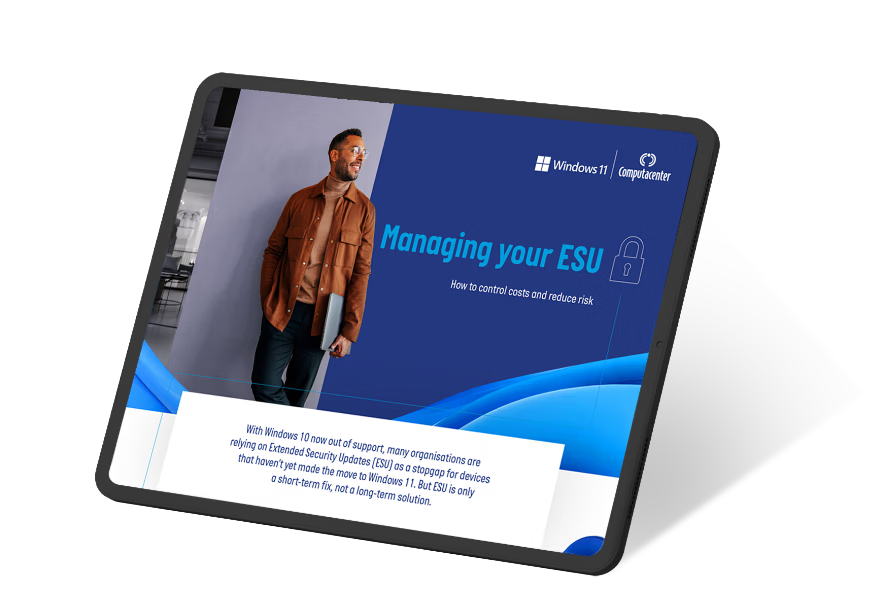
With support for Windows 10 now ended, Extended Security Updates are an increasingly costly short-term measure, offering no new features there are growing compatibility and performance risks. Computacenter helps organisations overcome technical and resource challenges to migrate all users and devices to Windows11, ensuring they stay protected, supported and ready for the future.
Rising costs and compatibility issues make ESU just a stopgap for devices still on Windows 10. Discover how Computacenter can help with even the toughest migrations with proven processes, expert resources and experience of moving over a million users to Windows 11 securely, efficiently and at scale.
As you plan your journey to Windows 11, AIPCs offers a chance to not only modernise but also future-proof your organisations IT infrastructure.
As a researcher, it's beneficial to understand the manual process. A typical workflow mirrors what you would see in penetration testing environments like Metasploitable 2.
In 2011, the source code of vsftpd version 2.3.4 was compromised on its primary distribution server. A backdoor was added that would open a shell for any user who attempted to log in with a username ending in a smiley face: .
: For research, the vsftpd-2.3.4-infected repository hosts the original malicious source code for analysis. Exploit Steps (Manual)
You can find several repositories that provide either the original infected source code or automated exploit scripts:
You can trigger the backdoor with a simple FTP client and netcat . This is the “smiley face” vulnerability in action. vsftpd 208 exploit github link
: Several developers have rewritten the exploit in Python for manual testing, such as vsftpd-exploitation by David Lares or Vsftpd-2.3.4-Exploit .
Explain how to set up a environment to test this.
A technical breakdown of the vsf_sysutil_extra() function used to trigger the backdoor is available on PwnHouse's GitHub . Pre-2.0.8 Vulnerabilities:
The malicious code inserted into the compromised str.c file of the VSFTPD source looked similar to this: As a researcher, it's beneficial to understand the
Most of these scripts follow a simple structure: they connect to port 21, send a dummy username like user:) , send a dummy password, and then immediately open a new socket connection to port 6200 to give the user an interactive prompt. Mitigation and Defense
Instead of downloading untrusted GitHub scripts, use the official, vetted Metasploit framework module: exploit/unix/ftp/vsftpd_234_backdoor . What a Legitimate PoC Looks Like
Upgrade to the latest stable version of VSFTPD provided by your distribution’s package manager:
, a version often found in older systems or vulnerable-by-design machines like Metasploitable 2 A backdoor was added that would open a
Always download software from official package managers (like apt or yum ) which verify package signatures via GPG keys.
Using the Metasploit framework is the most common method for exploiting this vulnerability. msfconsole Search for the module: search vsftpd Use the exploit: use exploit/unix/ftp/vsftpd_234_backdoor Set the target: set RHOSTS [Target_IP] Run: exploit
Vsftpd (Very Secure FTP Daemon) is a popular open-source FTP server used on Linux and Unix-like systems. In 2011, a critical vulnerability was discovered in vsftpd version 2.0.8, which allowed attackers to execute arbitrary code on the server. This exploit has been widely discussed and shared on GitHub and other online platforms.
The backdoor triggers when a user attempts to log in with a username that ends in a smiley face: :) . The Port 6200 Listener
Several repositories provide scripts or environments to test and learn from this exploit: VulnHub/Stapler1.md at master - GitHub
_THUMB.avif)
Read our executive briefing to learn how to maximise business value from your Windows 11 migration. The briefing looks at how you can transform the user experience, boost productivity and enhance security by combining Windows 11 with modern devices, cloud-based tools and modern endpoint management.
%203D%20THUMB.avif)
Read our executive briefing to find out how to move to Windows 11, covering how to plan your journey, prepare your IT estate, and deploy smoothly.
Rising costs and compatibility issues make ESU just a stopgap for devices still on Windows 10. Discover how Computacenter can help with even the toughest migrations with proven processes, expert resources and experience of moving over a million users to Windows 11 securely, efficiently and at scale.
Are you ready for Windows 11? Watch the video to learn how Computacenter can help prepare your devices, applications and users and empower you to make the most of Microsoft’s latest operating system.

Discover how you can embrace the Windows 11 opportunity to transform productivity within your organisation. With Computacenter’s support, you can accelerate your rollout and leverage a cloud-native approach to achieve greater productivity faster. Read this article to find out more.
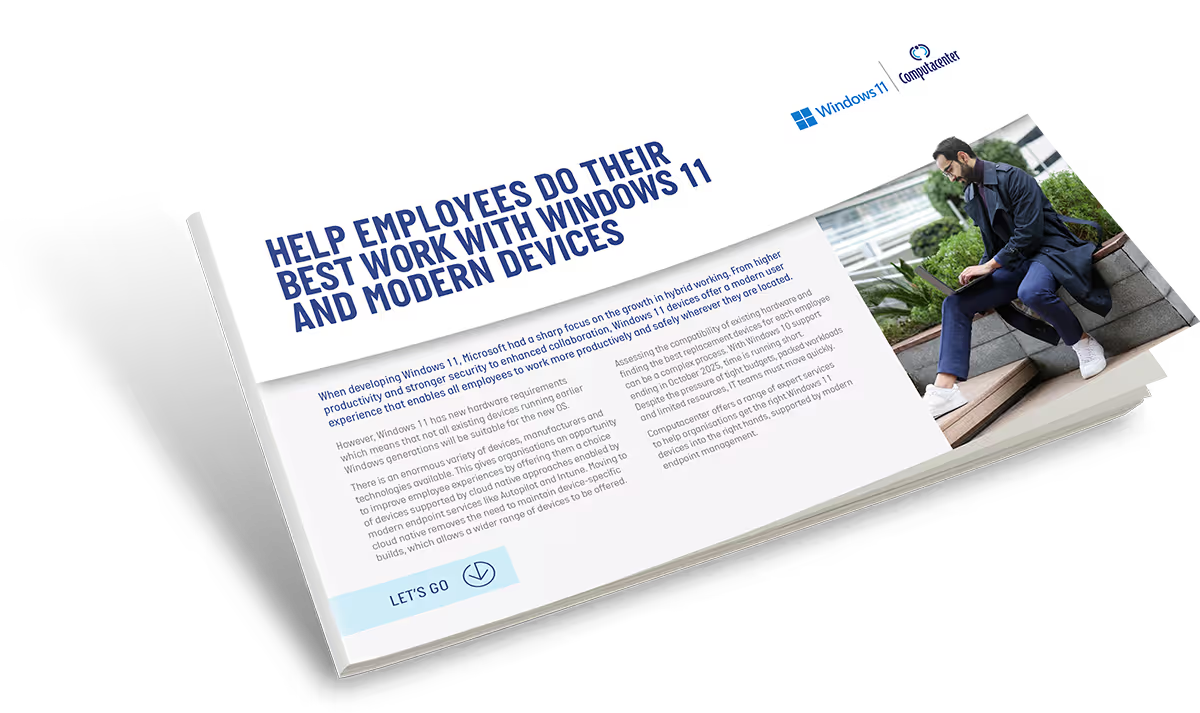
Windows 11 has the power to transform digital experiences, increase security and simplify collaboration when combined with modern endpoints. Read this article to discover the importance of device selection in your Windows 11 adoption strategy.
_THUMB.avif)
Check out our summary of the top five ways Windows 11 helps organisations balance secure working with enhanced productivity.
_THUMB.avif)
Here are five ways to ensure your organisation can prepare to roll out Windows 11.
“Windows 11 puts security, usability and collaboration at the forefront, without impacting the user experience”
Ashley Richardson, Chief Technologist, Workplace, Computacenter

Discover the top 10 benefits you can achieve with Windows 11 – from seamless integration with Microsoft 365 and security enhancements to long-term support and an improved user experience.
With Windows 10 support ending in 2025, the deadline for your Windows 11 upgrade is approaching. Read our infographic to find out the ideal time to upgrade.

OS migrations don’t happen overnight. But Computacenter can support your organisation wherever you are in your adoption of Windows 11, by minimising disruption and smoothing your journey.
Hybrid work can be a complex balancing act. But having the right hardware, software, and support in place can help you ensure longevity, stability, and ROI. Discover how Computacenter and Microsoft can help you to deliver fulfilling work environments.

To learn more about how Computacenter and Microsoft can help you plan your journey, prepare your IT estate, and deploy Windows 11 smoothly and rapidly, please enter your details below and we will get back to you as soon as possible.
Fields marked with an * are required


