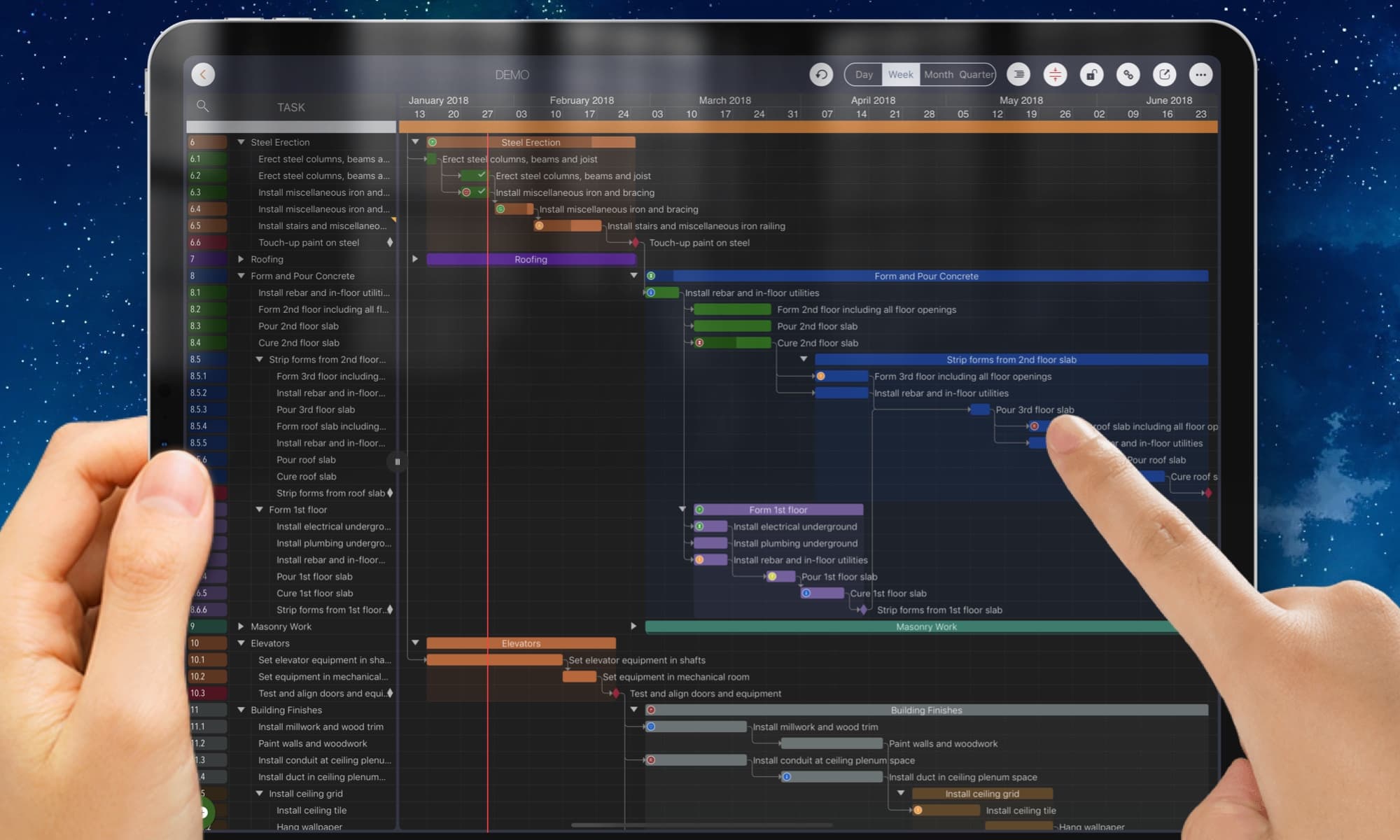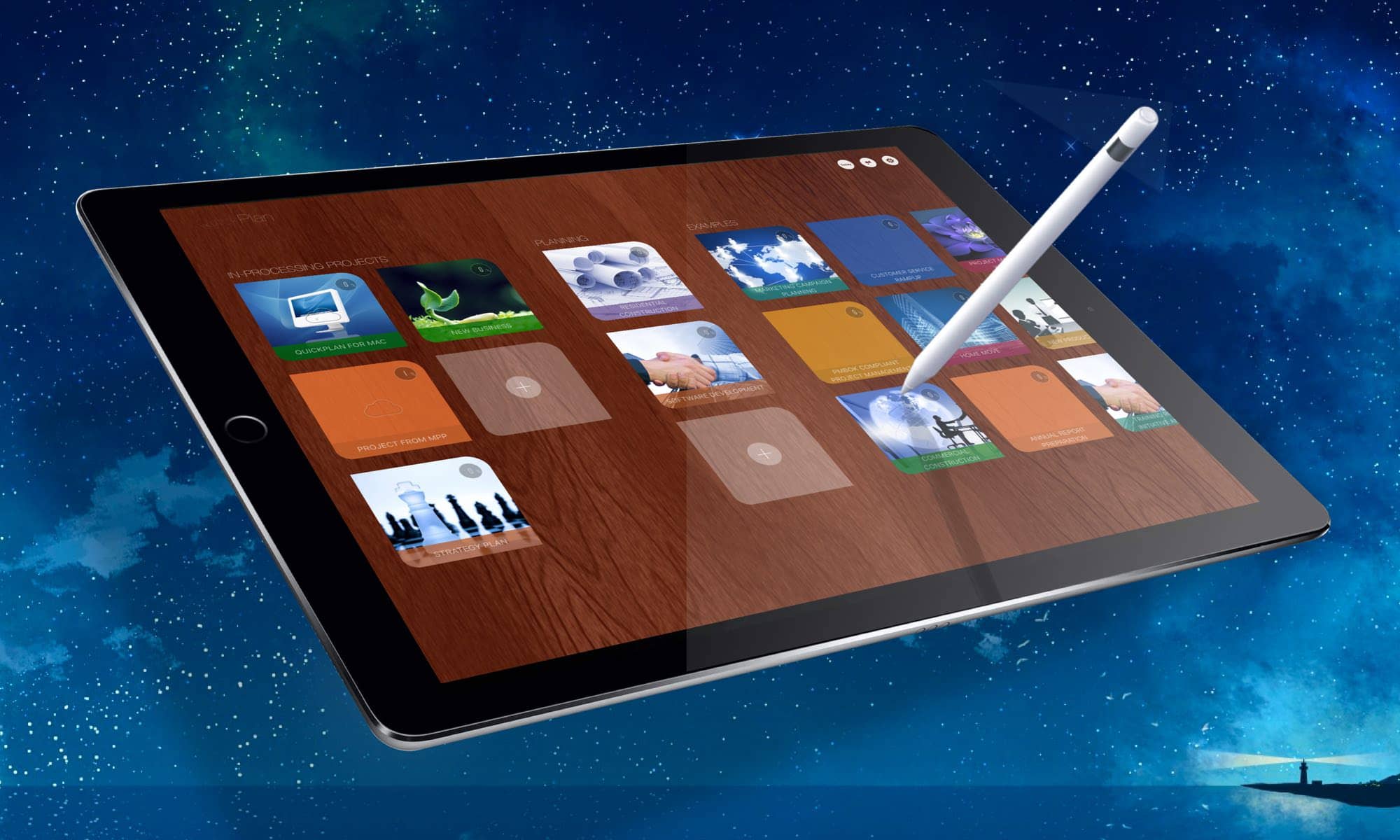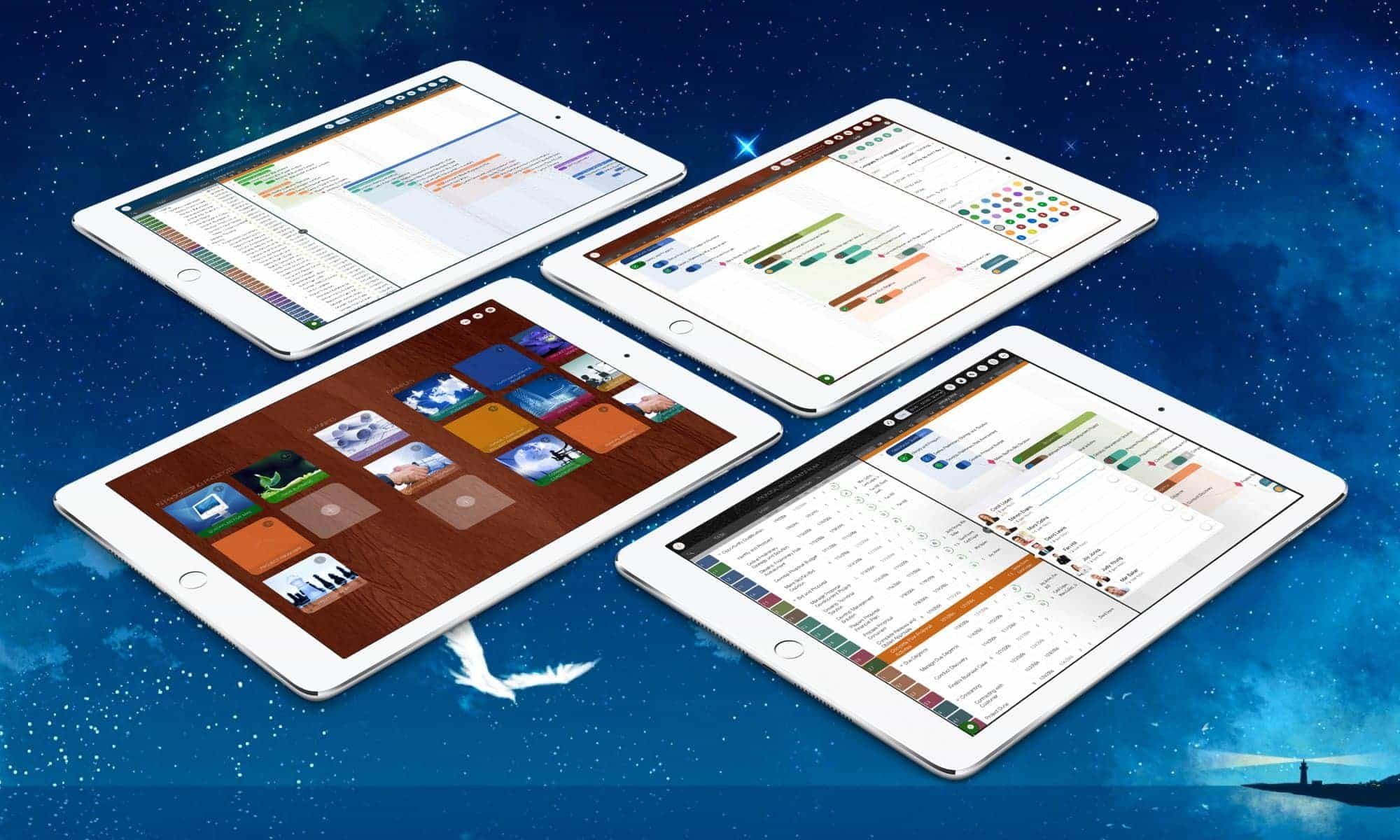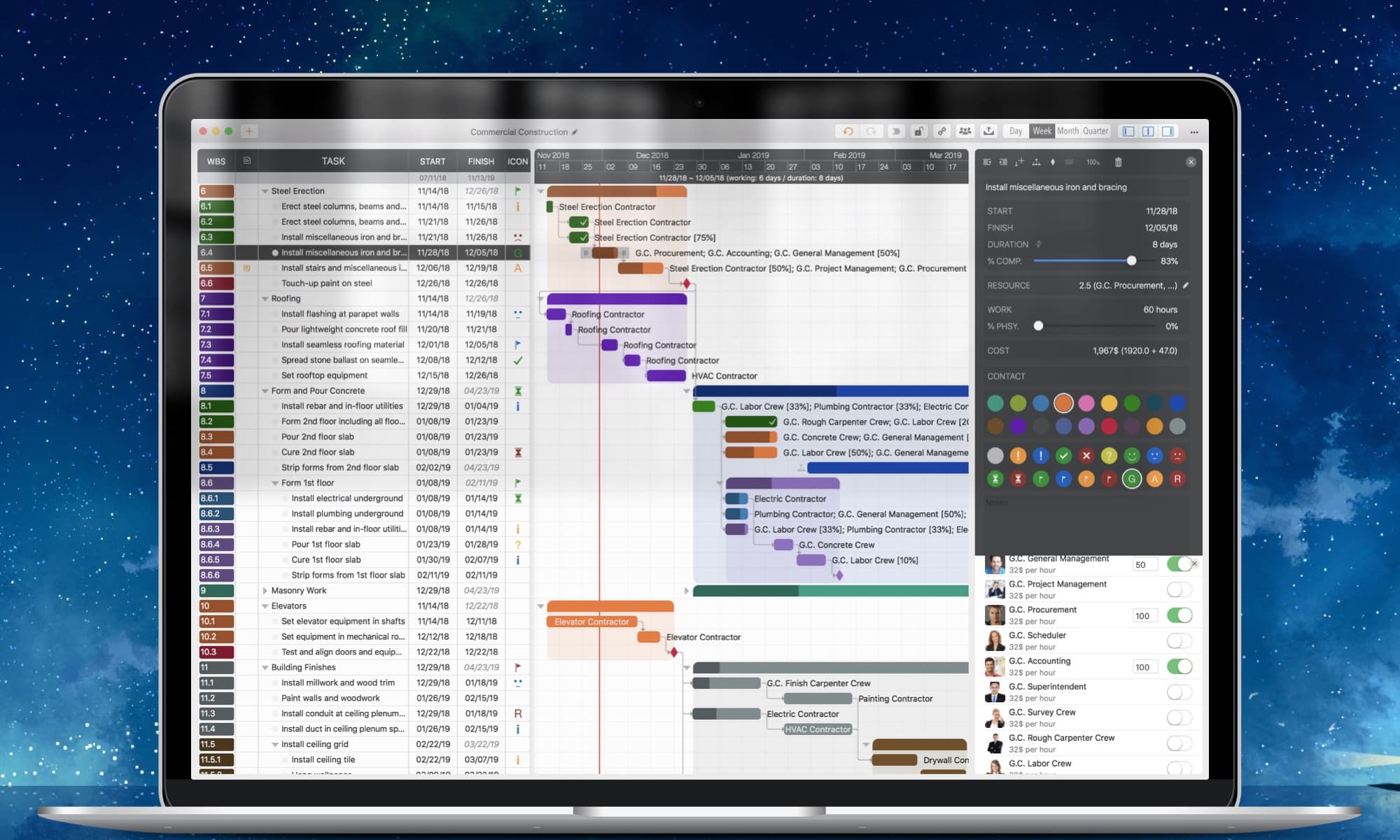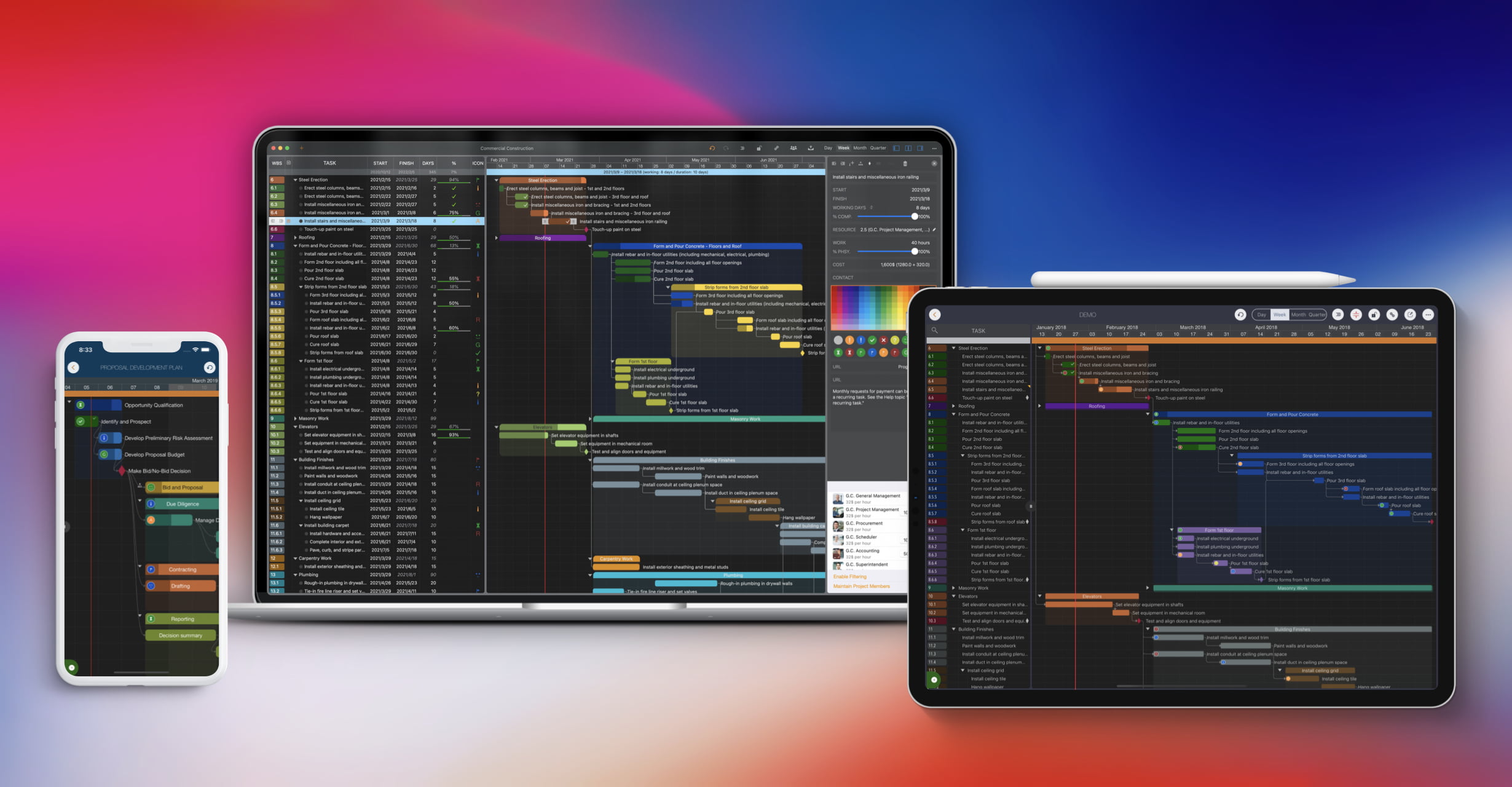
Use natural gestures on a clean and intuitive user interface.
Export to PDF, Excel, and image files with customization options.
Share it with your team via AirDrop, Dropbox, OneDrive, and other cloud storage services.
Sync between iOS and Mac devices via iCloud Drive.
MS Project, Mind Map, WBS, Excel, iCal, and Contact integrations.
Split & duplicate project for the specific project members.
Display in Tree and List style with support for sorting and filtering.
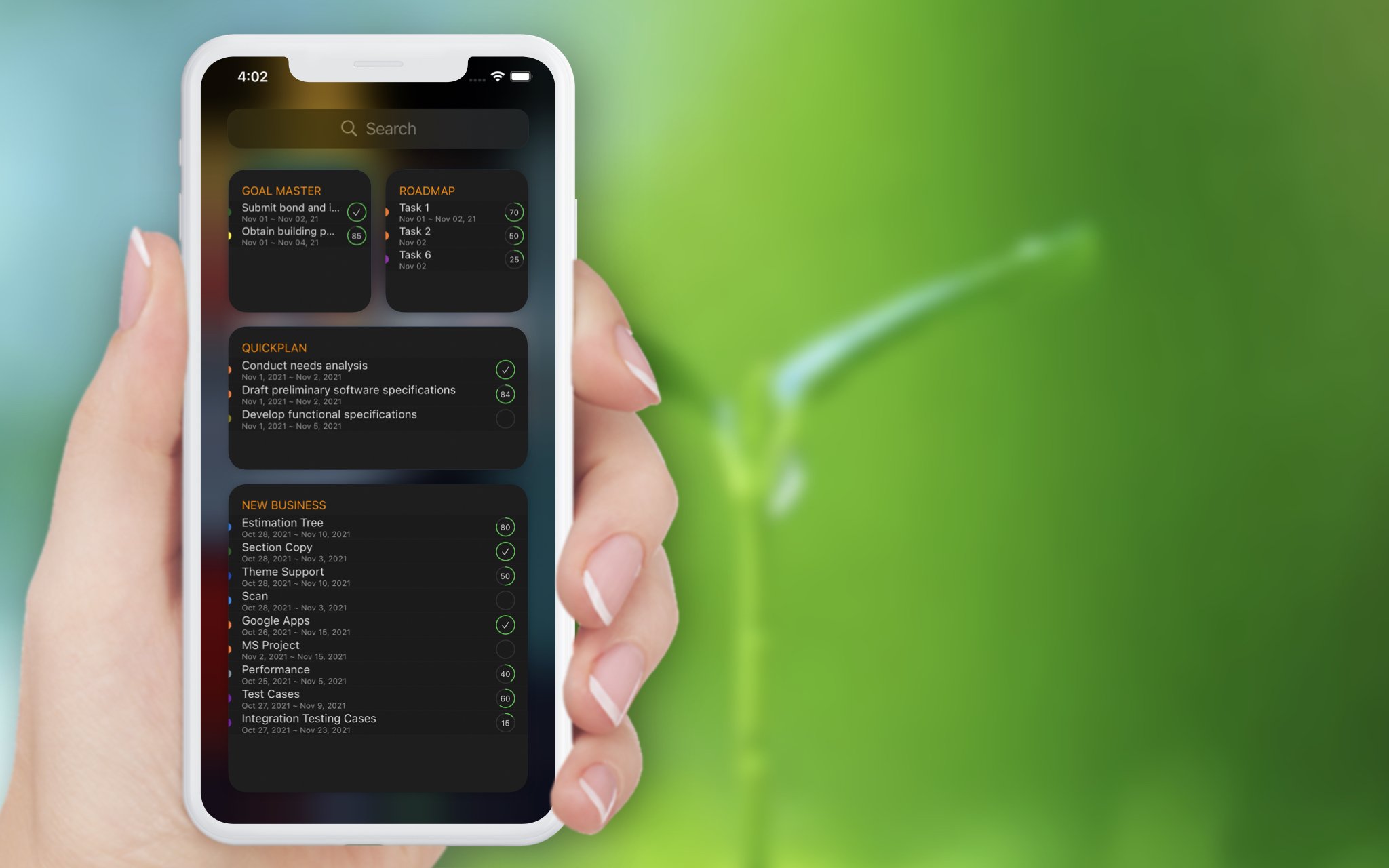
Today widget, Local Notification, and Today list within the app.
Super flexible user interface customizations.
QuickPlan prioritizes ease and efficiency in organizing your professional projects, plans, efforts, goals, and personal life on Apple devices, delivering the most effective planning experience with minimal effort and a gentle learning curve.
Simple, Intuitive, Efficient and Clean

QuickPlan brings the best features of Microsoft Project to iOS and macOS without the complexity—delivering the INTUITIVENESS and SIMPLICITY you know and love.
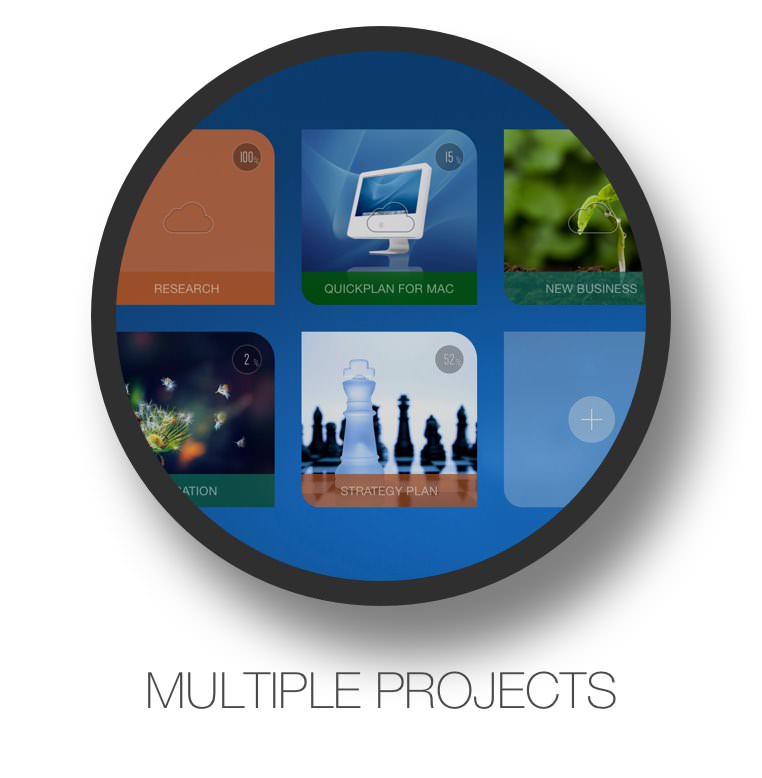
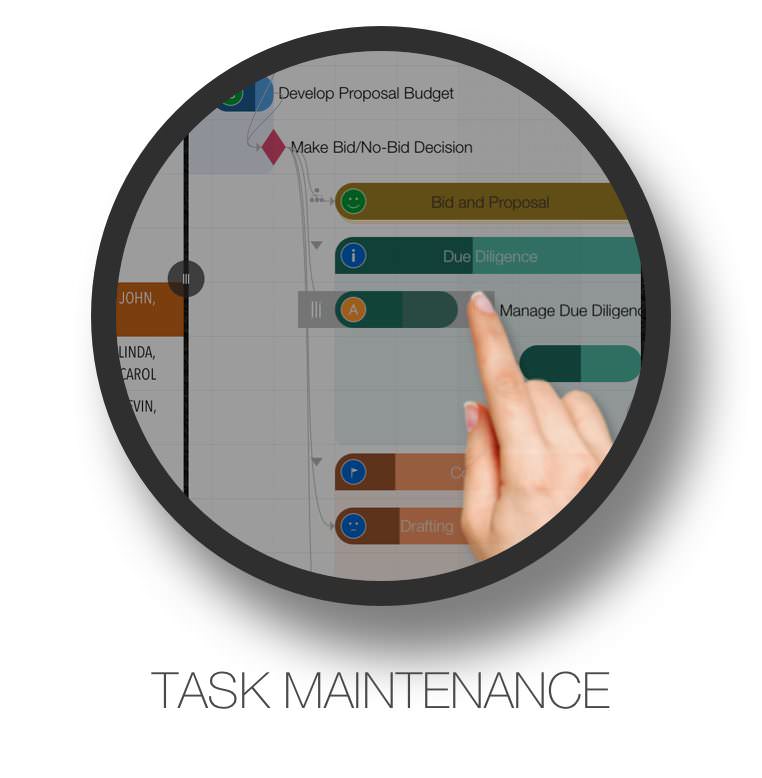
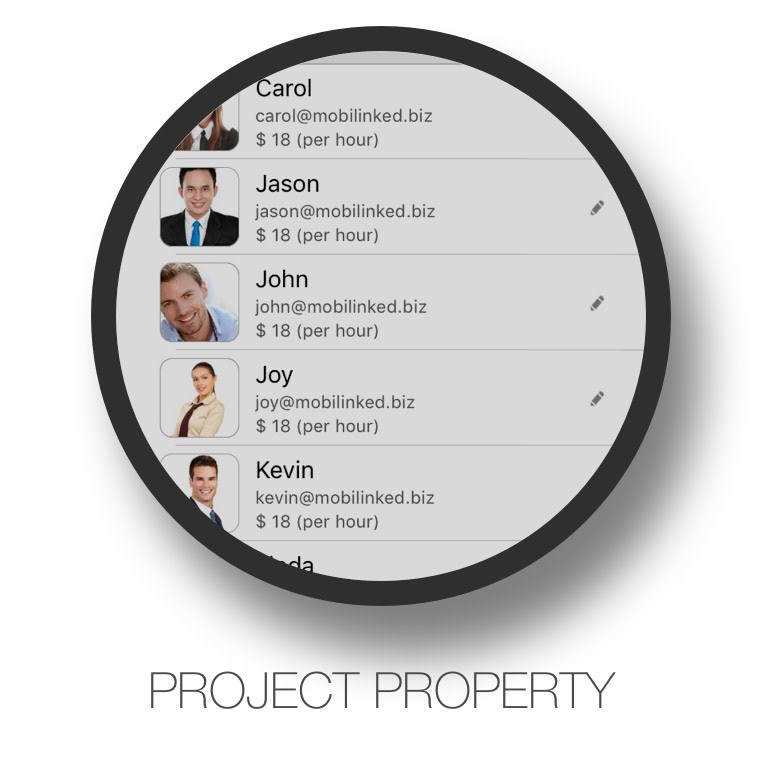

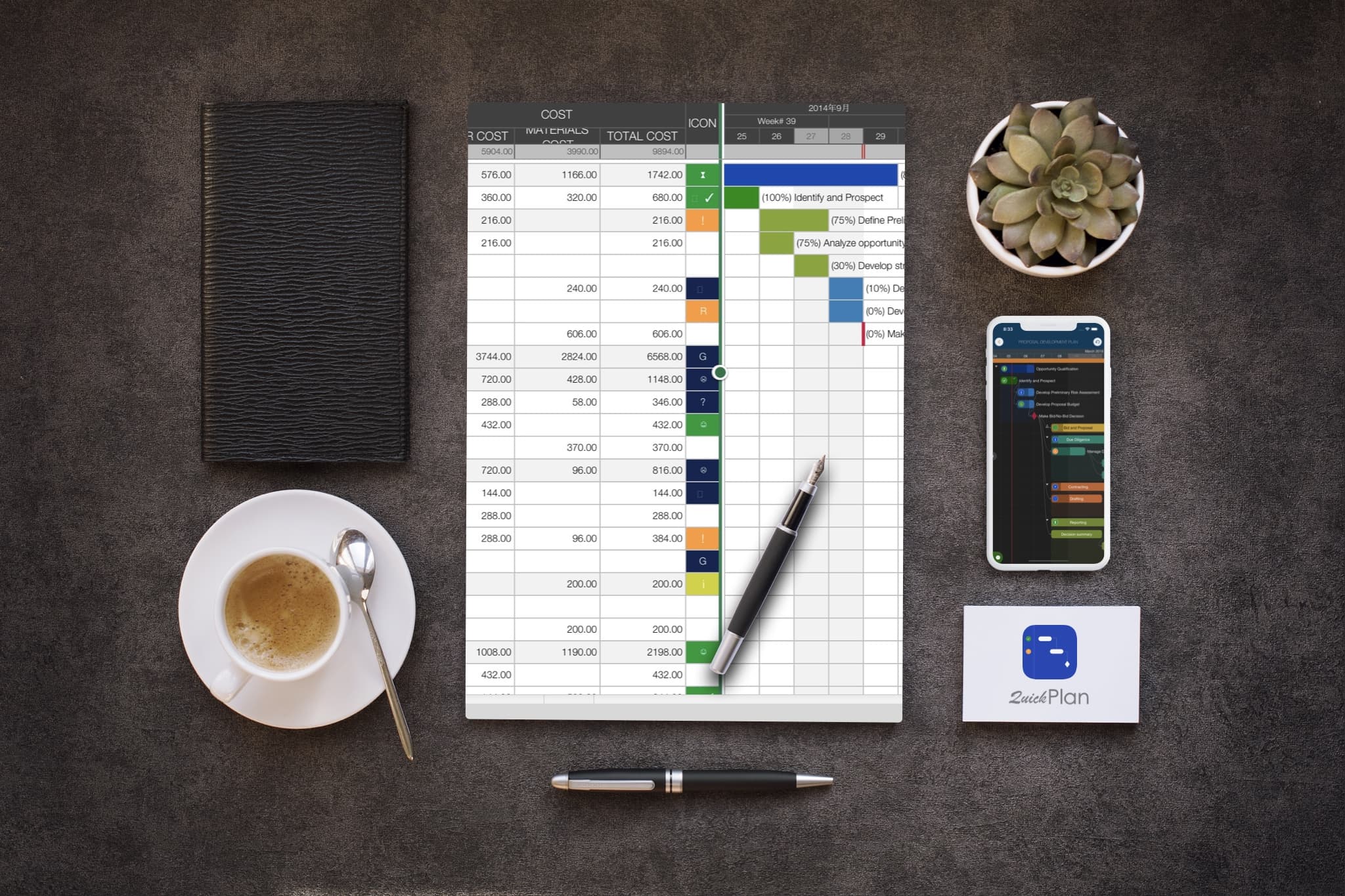
Export your projects to PDF, Excel, and image files with flexible and powerful customization options for content and layout.View Details
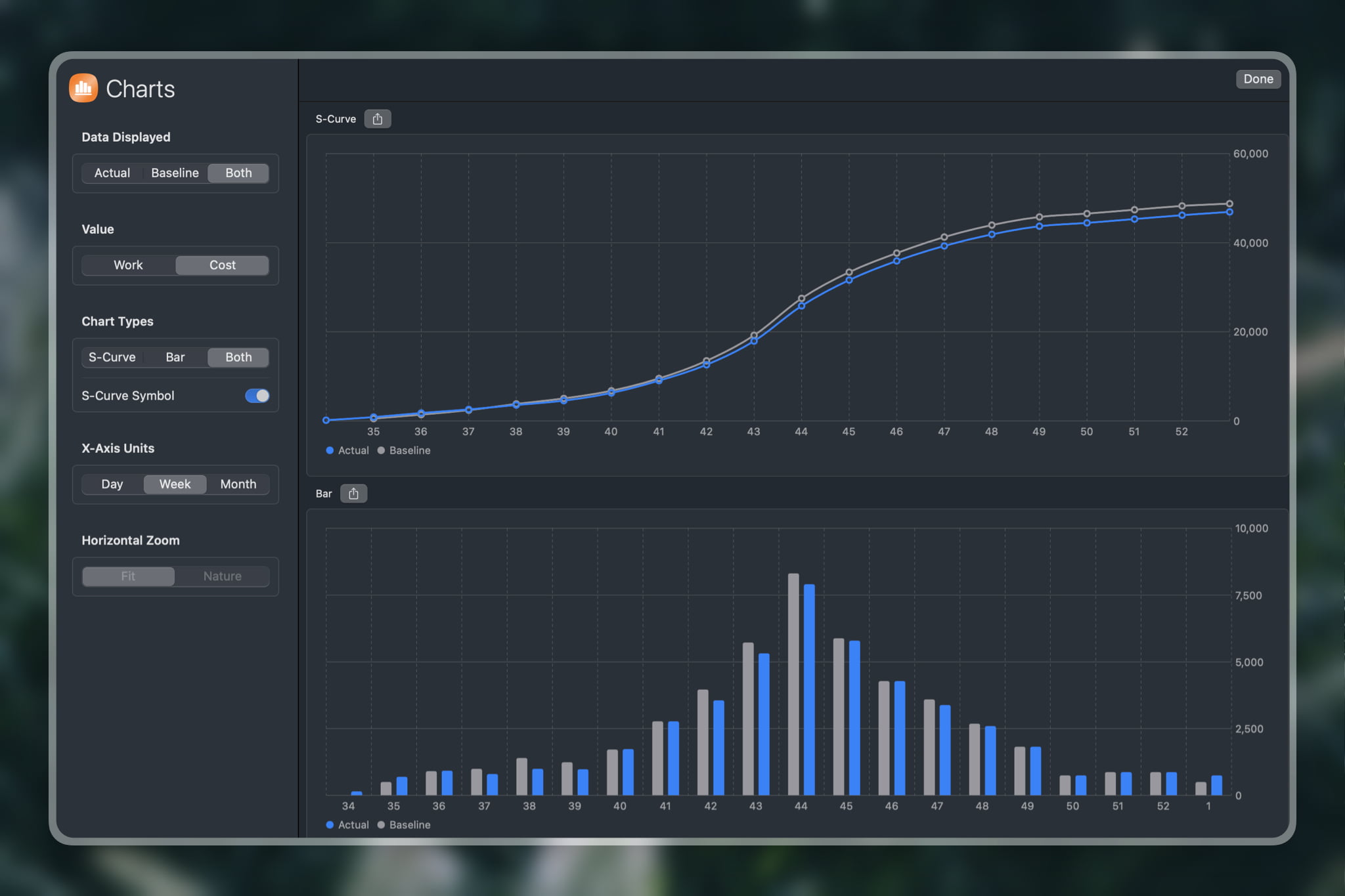
Create and compare baselines, generate reports, and customize S-Curve and Bar charts with ease.
Share projects seamlessly across teams and devices using AirDrop, Dropbox, OneDrive, and other cloud storage services.
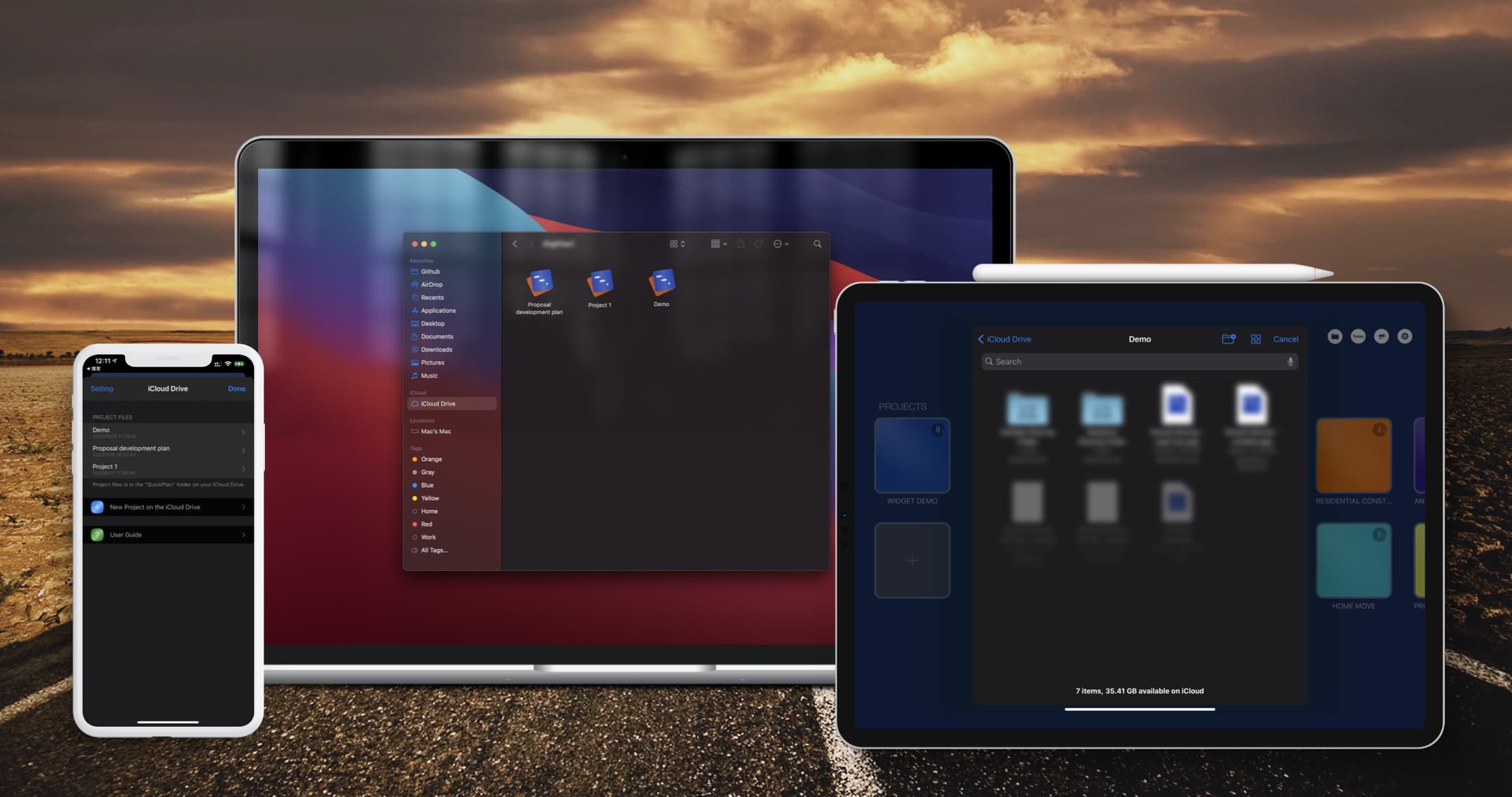
Sync project files between iOS and Mac devices via iCloud Drive.View Details
Export to Microsoft Project files (.XML format) and import from Microsoft Project files (.xml format).View Details
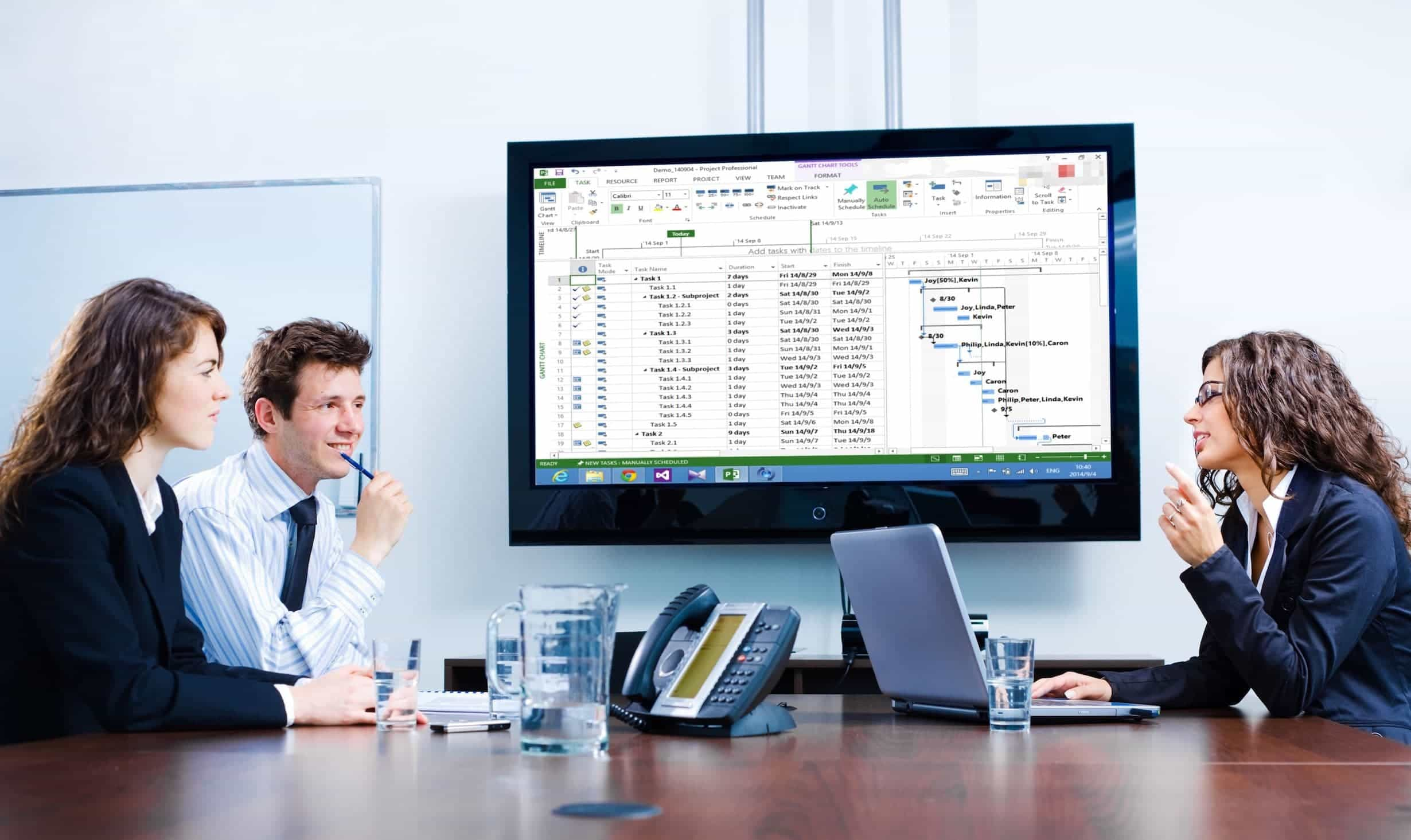
Import from Mind Map (.opml) files, and export to OPML format (QuickPlan for Mac).View Details
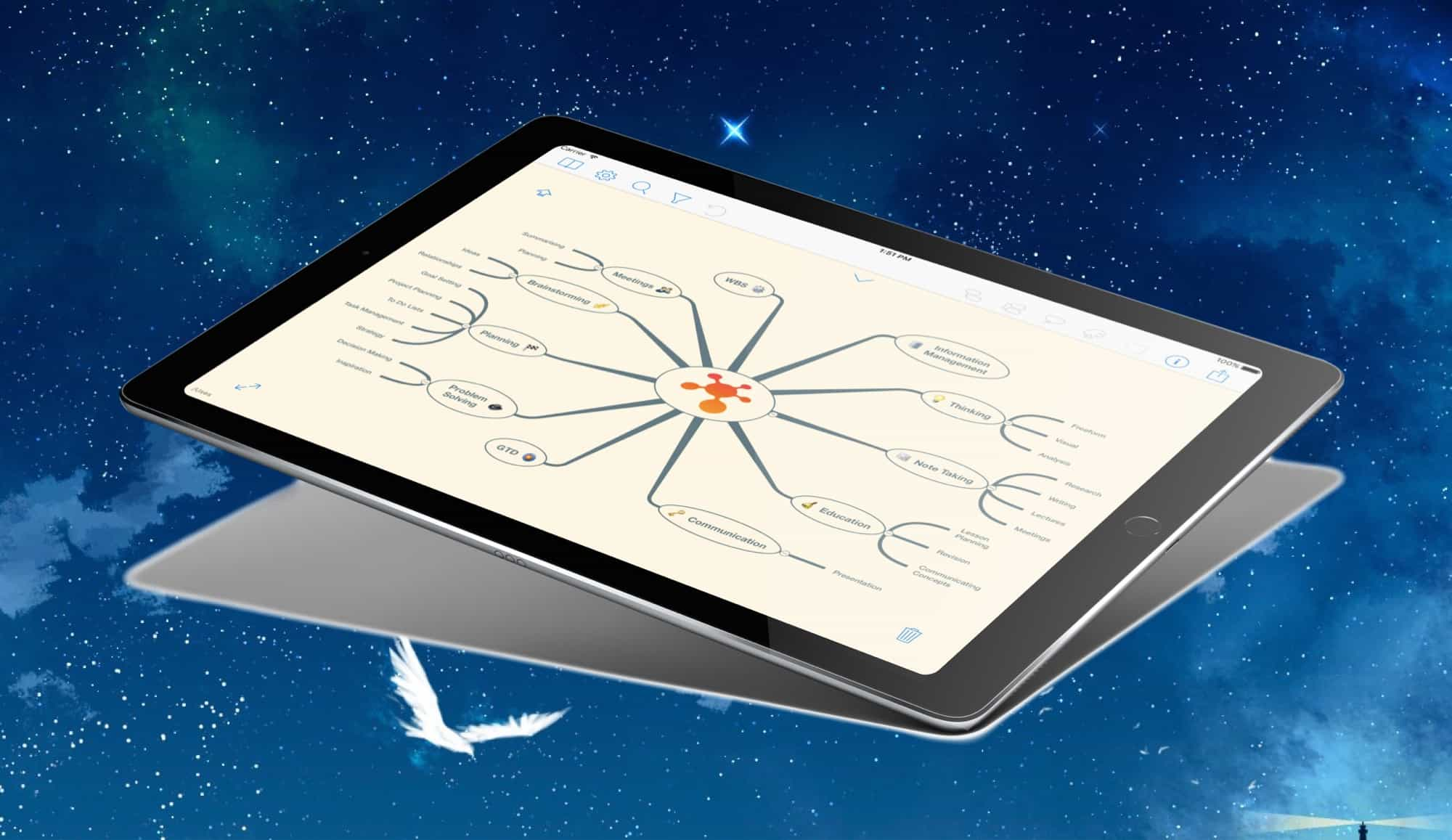
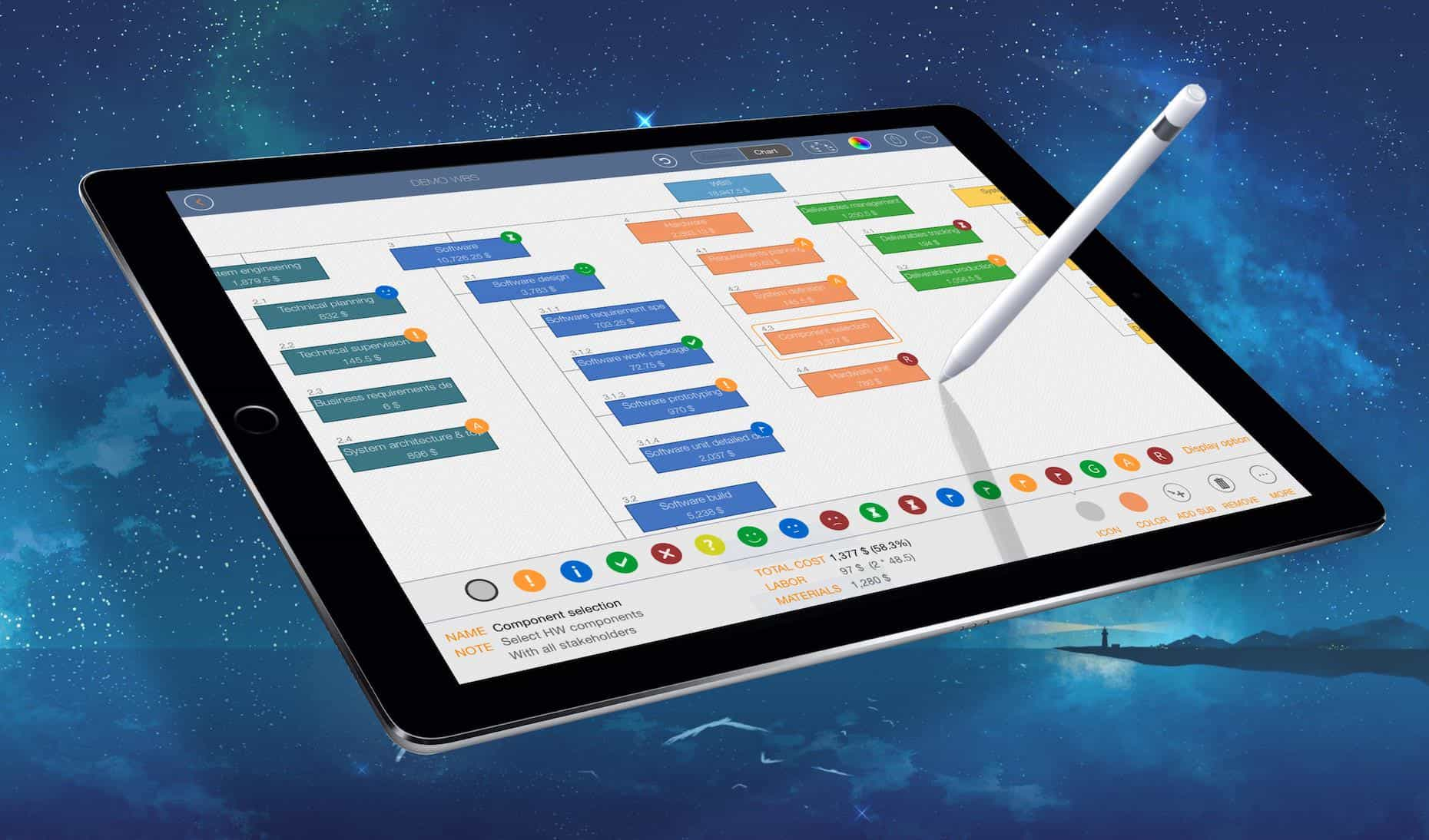
Simplify input/output in the project management process with Swift Apps WBS.View Details
Today Widget, local notifications, and in-app Today list with multiple project selection options.View Details

Dob Chris
QuickPlan app is the best planning app I have ever used. It is very easy to use and helps me to be more efficient in my work. It has all the features I need to plan my projects effectively and collaborate with my team members smoothly. It is smart and strong enough to handle complex projects and large data sets. I highly recommend QuickPlan app to anyone who wants to plan smart and work easy. 👍
Txavatar
I have all the project geek merit badges – PMP certified, contributing author of the PMBoK, and a 20 year veteran of running projects up to thousands of personnel and billions of dollars. This tool shines in regard to easy of use combined with functionality. 99% of the users of Microsoft Project can’t properly use more than 10% of the application as everyone geeks out and wants more functions and more gadgets. QPP allows you to QUICKLY get a project sketched out and running. Earned Value Calculations and Resource Leveling? Yeah good luck with that on any tool. Im not going to suggest any more functionality to this tool to avoid unnecessarily complicating it but I will ask for a web-based or Mac-based app to easier support the initial keying and loading of all the project activities. That’s not a shortcoming of QPP but rather of iPads, which simply aren’t as good as a full size keyboard for data entry.Thanks for a terrific App!!
Scott, PMP
This is my go to app for project planning and tracking on iOS. I’m using it daily to plan and track projects and have found it to be the best project management app for iOS thus far. The ability to quickly enter information, move it around and organize it so that clients and stakeholders can understand it is priceless. In addition to project tracking, I’m using it for high level program management reporting to align management stakeholders to the overall plan and status.The developer has done a great job with the user interface and user experience. There are video tutorials available on how to use the app making it very clear on how to use. I’ve found it to be very intuitive which has made it easy to learn and use so I can quickly make changes while discussing the project with clients.The export functions are great making it easy to send a snapshot via PDF, Excel or PNG to stakeholders and resources to keep everyone on the same page with the project. Exporting XML works great when it’s time to make the schedule more complex than what should be managed on the iPad or if needed to align with an enterprise project reporting tool.I’m using the app daily and have found it to be the best project planning tool on iOS that is available.
If you meant a different project called The Creep Tapes (e.g., a fan edit, a podcast, or a short film), let me know and I’ll refine the answer. Otherwise, this should give you a solid grounding in the Creep universe and why fans are hungry for more "tapes."
The Creep Tapes acts as both an expansion and a prequel anthology. Instead of a single feature-length narrative, the series structured itself around the concept of Josef's vault. Each episode represents a different tape from his vast collection, documenting his interactions with various unsuspecting victims before the events of the original films. This anthology format allows the creators to experiment with different types of tension, victim archetypes, and comedic boundaries. The Anatomy of Josef: Why Mark Duplass's Villain Works
It is a lonely man with a camera asking, "Do you want to be friends?" The Creep Tapes
Mark Duplass remains the only constant, portraying the killer under various aliases like "Jeff Daniels," "Father Tom Durkin," and "David". Guest Star Mike Luciano A filmmaker hired for an "acting school application". 1 David Nordstrom A birdwatcher lured into a "skydiving accident" ruse. 1 Krisha Fairchild A surreal visit to the killer's "mother" and her boyfriend. 2 David Dastmalchian A copycat killer who meets the real Josef. 2 Katie Aselton Josef's "sister" (from the first film) returns in person. Production and Development
Unlike the films, which followed one linear narrative of entrapment, the series format allows Duplass and Brice to explore new, unsettling scenarios. Each episode features a fresh victim—a new videographer, caretaker, or acquaintance—falling into the trap set by this manipulative, chaotic, and utterly bizarre killer. The Formula: Found Footage Perfected If you meant a different project called The Creep Tapes (e
Should I focus more on or production history?
Are you a fan of the found footage genre? Have you watched The Creep Tapes? Let us know in the comments below—unless you hear a knock at your door. Each episode represents a different tape from his
The Creep Tapes is more than just a YouTube channel or web series – it's a cultural phenomenon that has captured the imagination of millions. By exploring the darker aspects of human nature, the show's creators have tapped into our collective fears and anxieties, crafting stories that are both terrifying and thought-provoking. As the channel continues to grow in popularity, it's clear that The Creep Tapes will remain a significant player in the world of online entertainment, pushing the boundaries of storytelling and challenging our perceptions of reality.
In the vast landscape of modern horror, few characters have managed to crawl under the audience's skin quite like the nameless killer from the Creep franchise. What began as an ultra-low-budget indie film has evolved into a cult phenomenon, culminating in the release of . This television series, which premiered on Shudder and AMC+ on November 15, 2024, marks the third installment of the chilling franchise and expands the unsettling universe of its eccentric, deranged antagonist in an episodic format.
Most horror movies give you a villain to hate. "The Creep Tapes" gives you a villain you almost pity, right before he buries you alive. It is intimate, claustrophobic, and deeply intelligent. As we move into an era of AI-generated scripts and CGI ghosts, Josef and his box of VHS tapes remind us that the scariest thing in the world isn't a demon or a ghost.
The Creep Tapes' success can be attributed, in part, to its understanding of the psychology of fear. The channel's creators have tapped into the human brain's tendency to respond to threats, real or perceived, with a mix of emotions, including fear, anxiety, and fascination. This response is often referred to as the "thrill-seeking" or "fear-response" mechanism, which drives people to engage with content that challenges their perceptions and pushes them out of their comfort zones.
© 2013 ~ 2026 COPYRIGHT QUICKPLAN | All Rights Reserved
Swift Apps